If you just bought a new reMarkable 2 with an included Connect subscription, this guide will help you access your 1-year subscription on your paper tablet.
If you owned a reMarkable before the launch of Connect (October 12, 2021), use this guide to activate Connect - whether you have an existing reMarkable cloud account or not.
If you’re having trouble activating your Connect subscription and didn’t purchase it through our webshop, please reach out to our support team for help.
Activating Connect when setting up your reMarkable
Here’s how to start your subscription if you bought your reMarkable on or after November 7, 2022.
1. If this is the first time using your reMarkable, follow the setup steps on your device (see this page for detailed instructions on how to setup your paper tablet.)
2. Go to my.remarkable.com
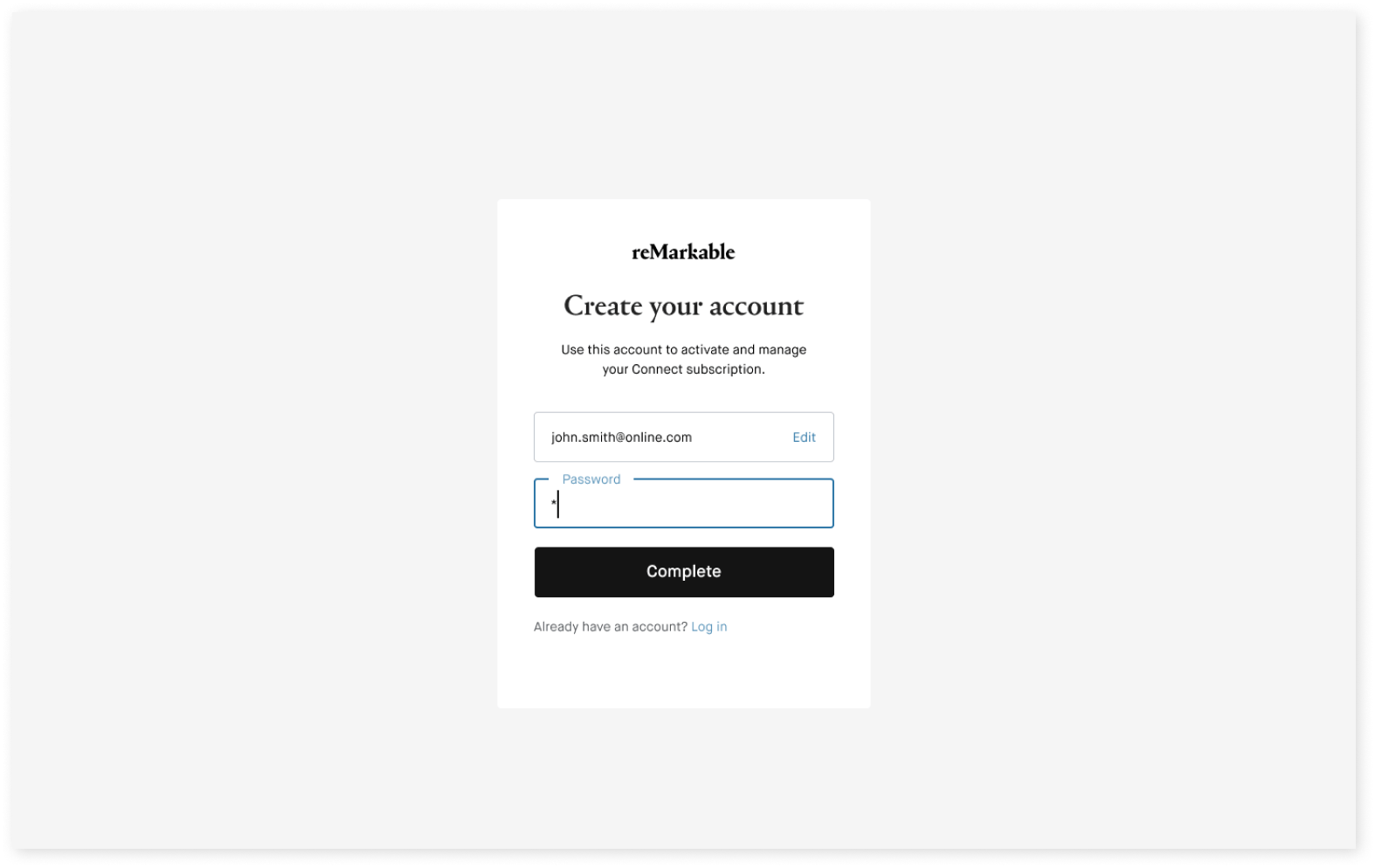
3. Click Sign up, enter your email address and click Continue.
4. Enter a password and click Continue. We’ll send you an email as part of the verification process.
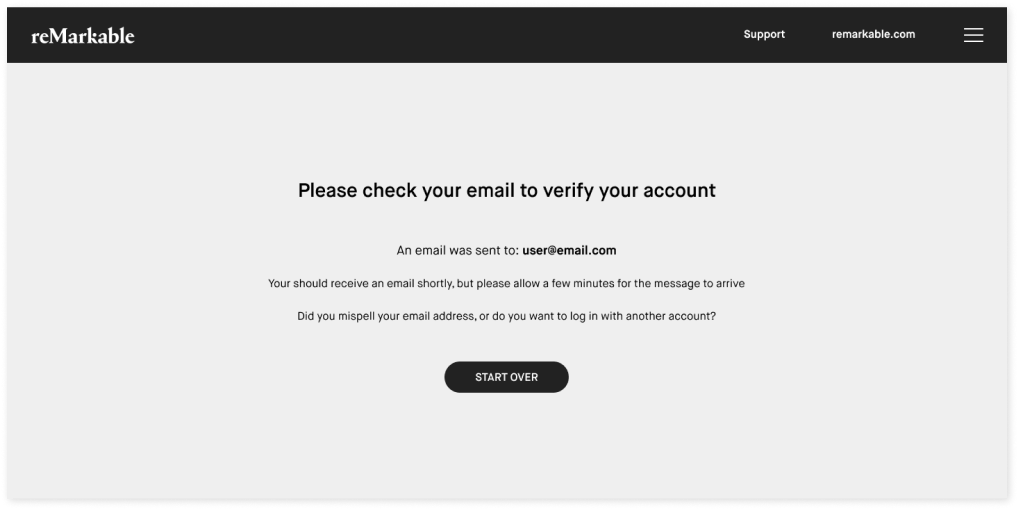
5. Check your email inbox and follow the described steps to verify your account.
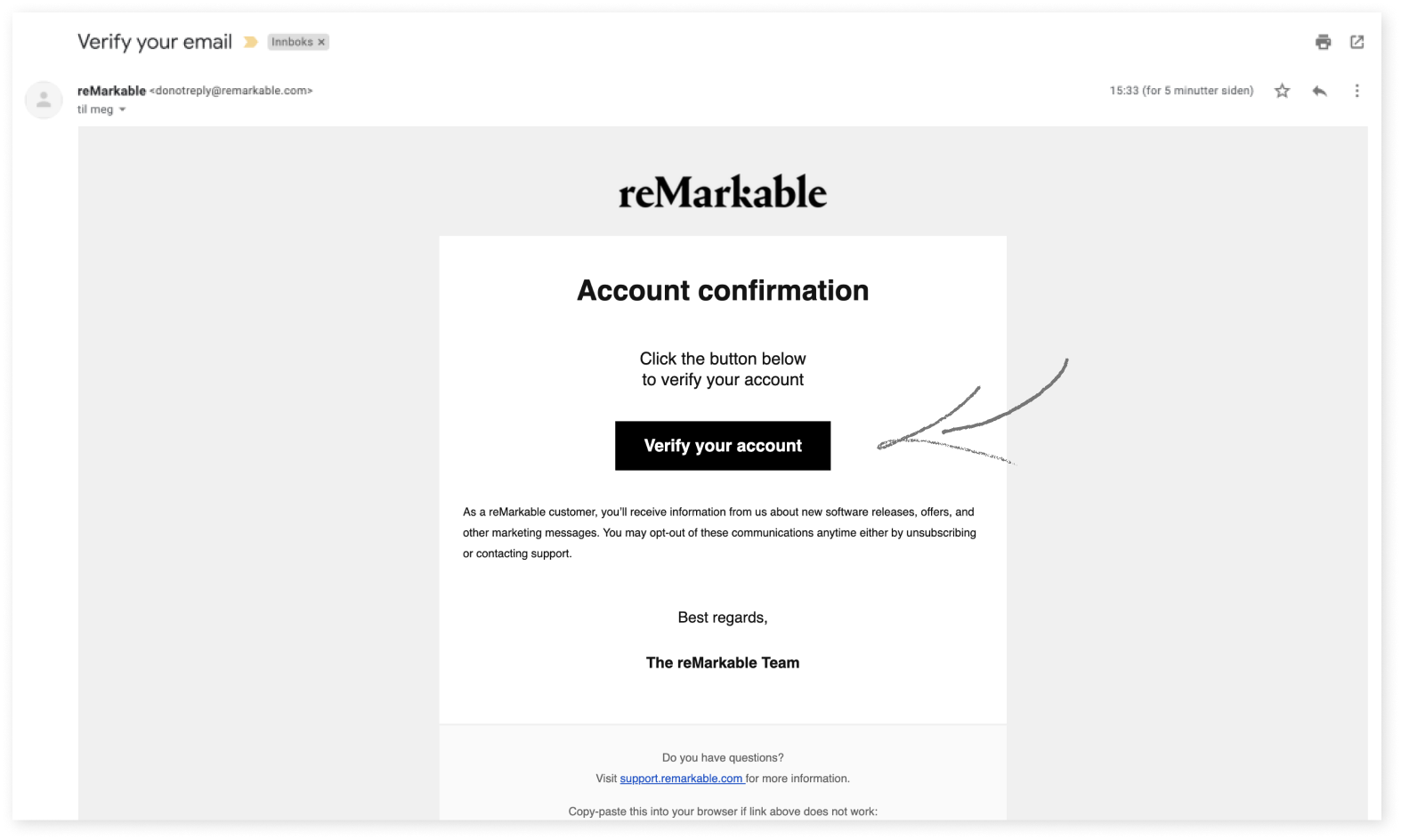
6. Click Verify your account in the email we sent you.
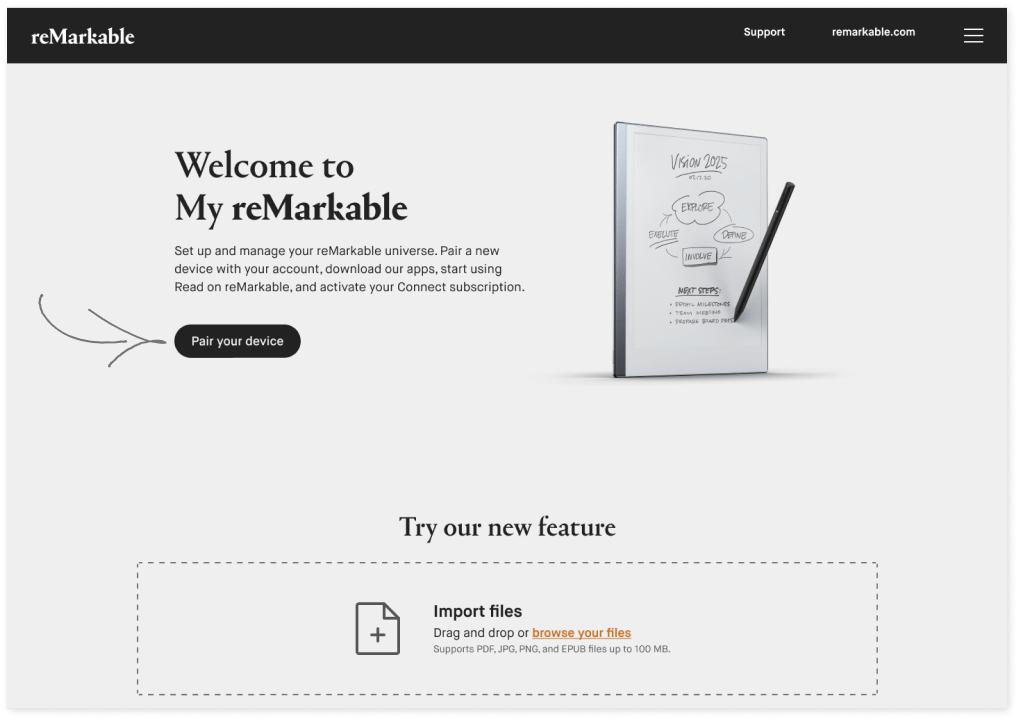
7. Once you’re logged in, click Pair your device.
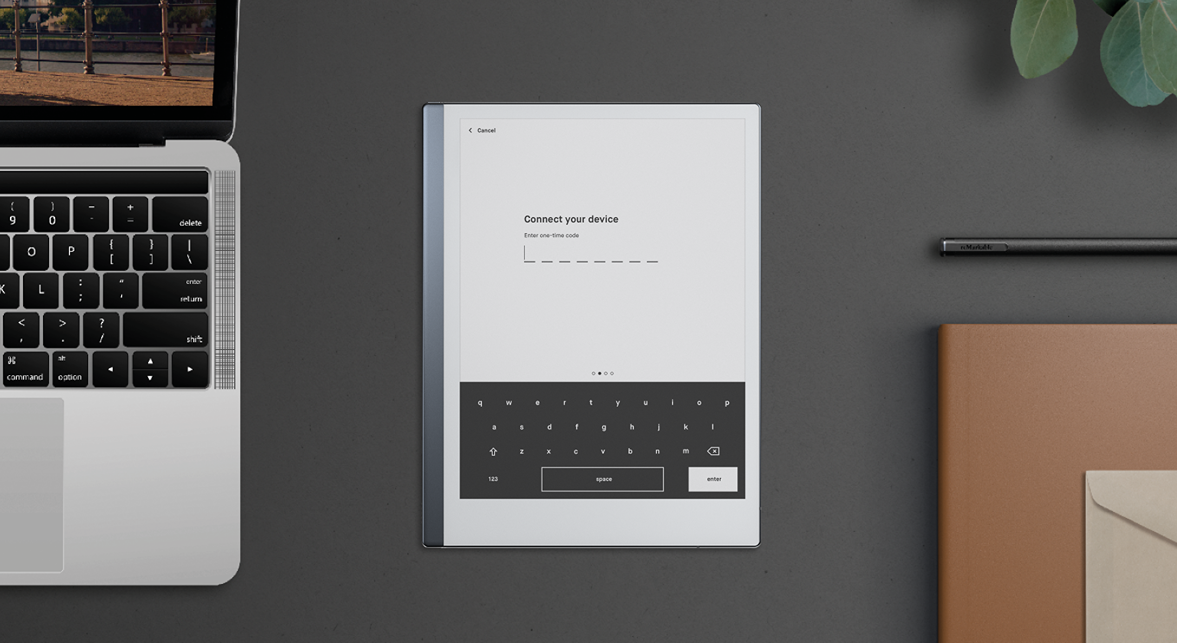
8. Enter the one-time code on your reMarkable, and tap Enter.
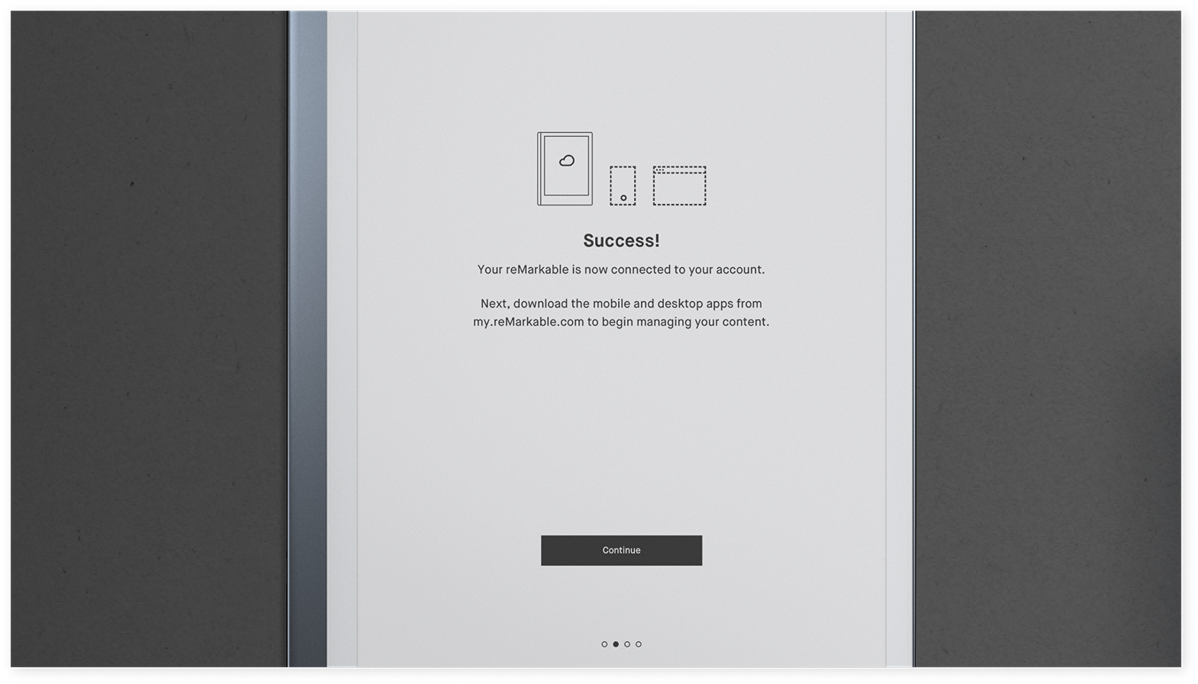
9. You’re connected. Click Continue.
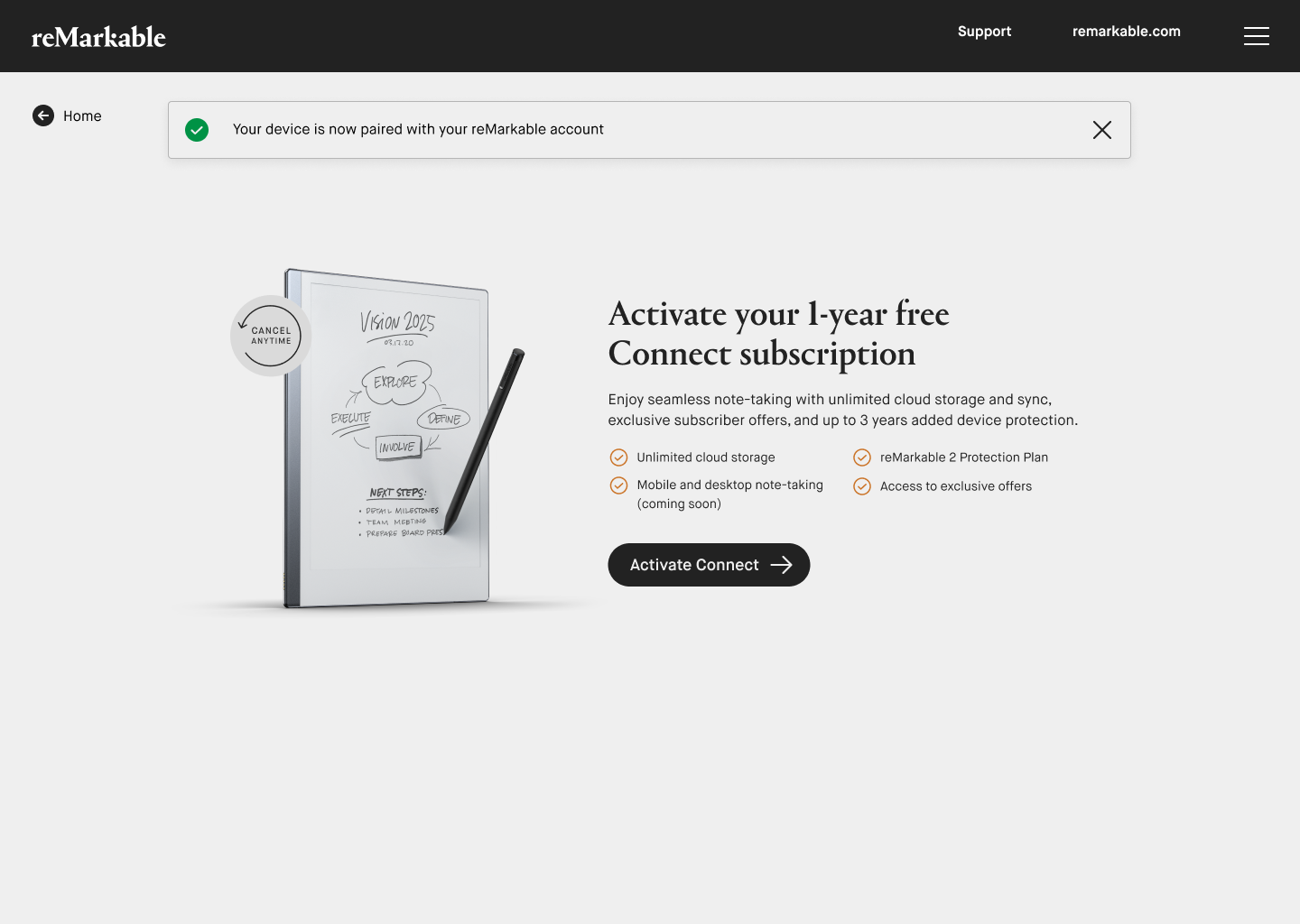
10. At my.remarkable.com, click Activate Connect.
11. Enter your payment information and click Activate Connect.
You’ve successfully activated your Connect subscription.
Read more about what’s included in your subscription.
Activating Connect if you already have a reMarkable account
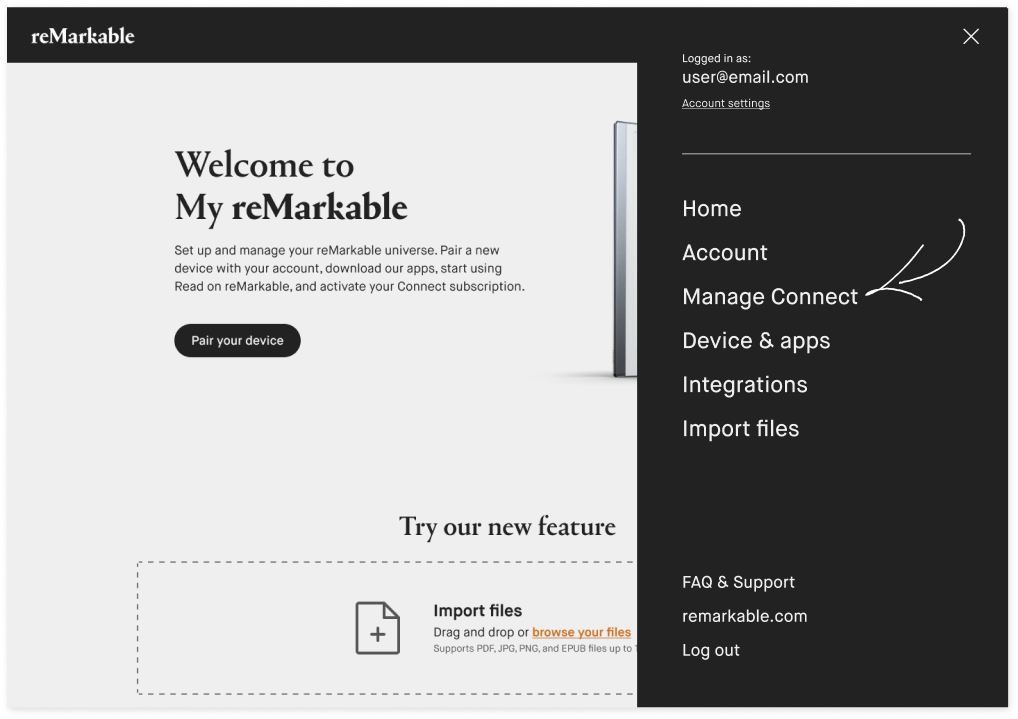
If you already have a reMarkable account , you can easily subscribe to Connect at my.remarkable.com. Simply log in, and click Manage Connect in the menu in the top-right corner to begin your subscription.
Read more about what’s included in a Connect subscription.
Activating Connect (for devices purchased before November 7, 2022)
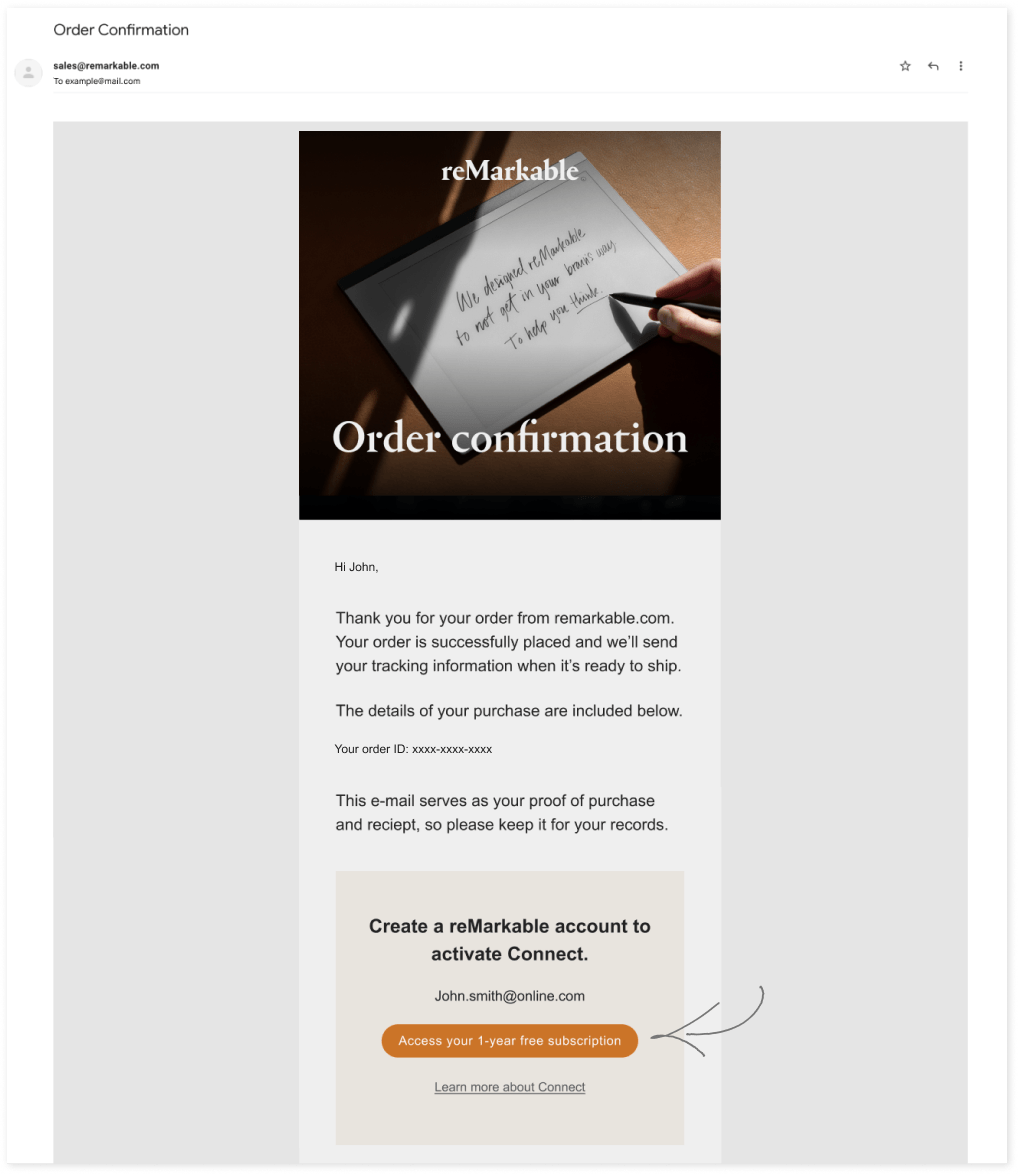
If your reMarkable was purchased before November 7, 2022, you need to use the activation link in your order confirmation email to get started. Here’s how:
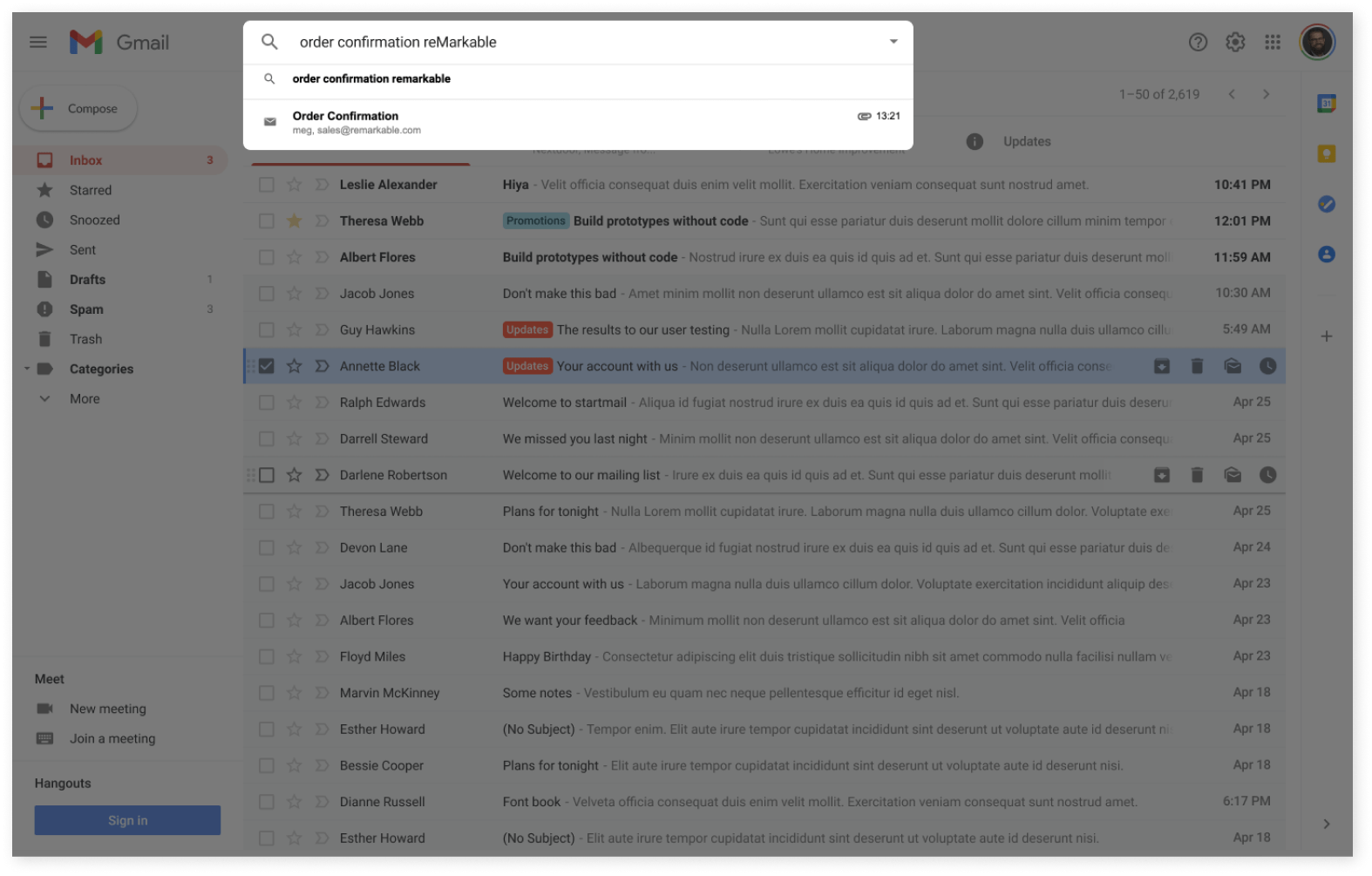
1. After placing your order, you received an order confirmation email with an activation link. Go to your inbox and find your order confirmation email.
2. To activate Connect, click Access your 1-year free subscription.
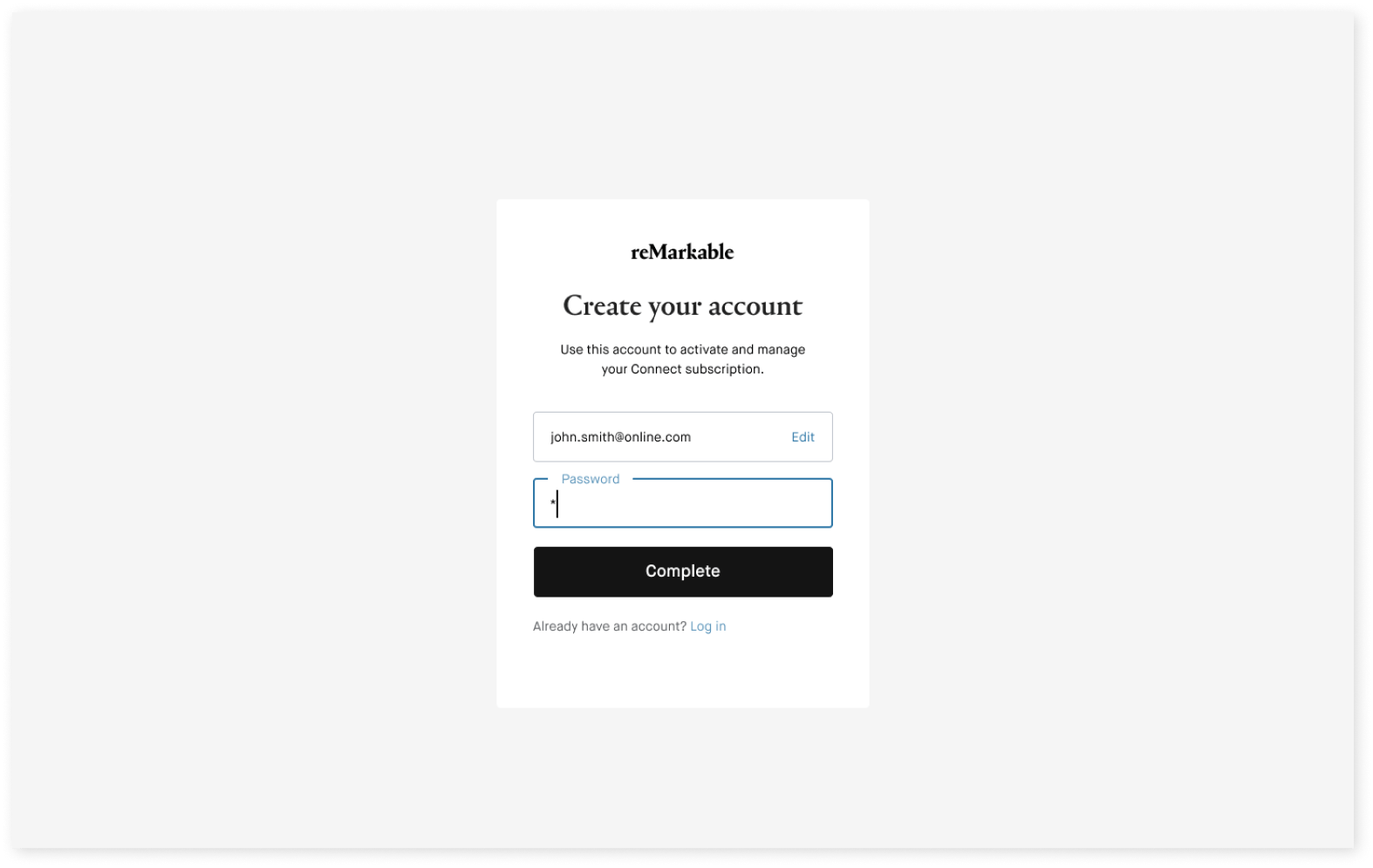
3. Tap 'Create new account', or log into your existing account.*
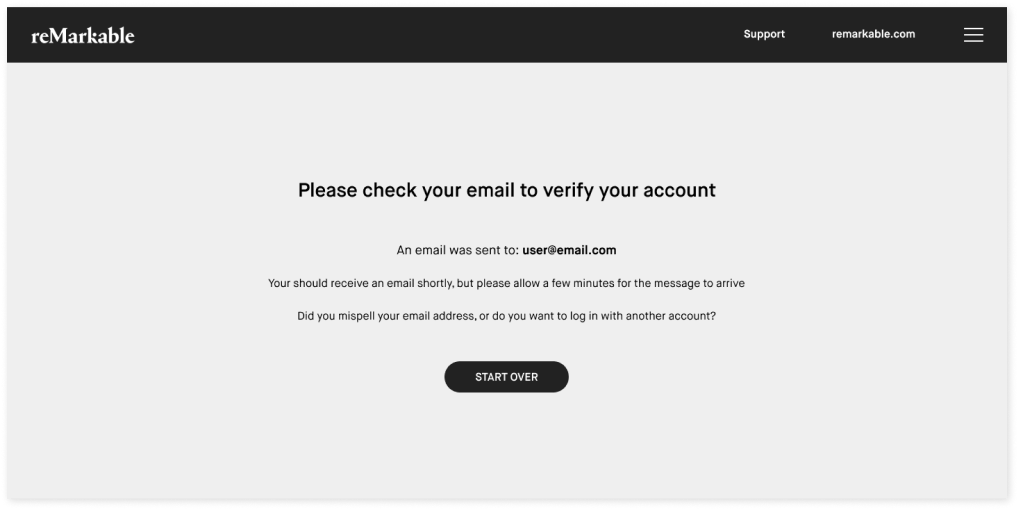
4. Check your inbox and verify the email address used to create your account.
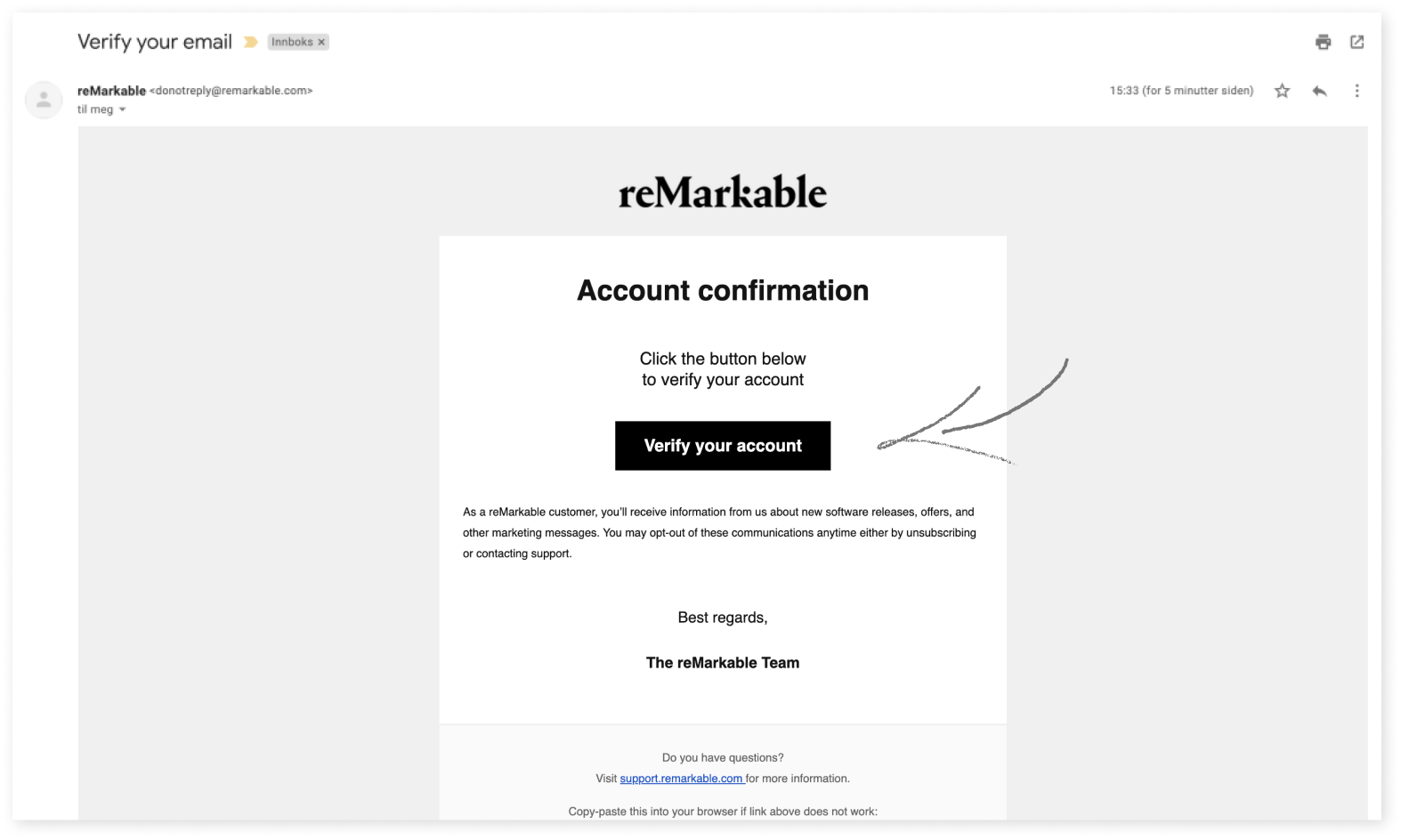
5. Verify your account by clicking Verify your account in the email we sent.
6. To access your 1-year free subscription to Connect and link it to your new reMarkable account, click Activate Connect. (If you bought reMarkable as a gift, or for someone else, don’t complete this step.)
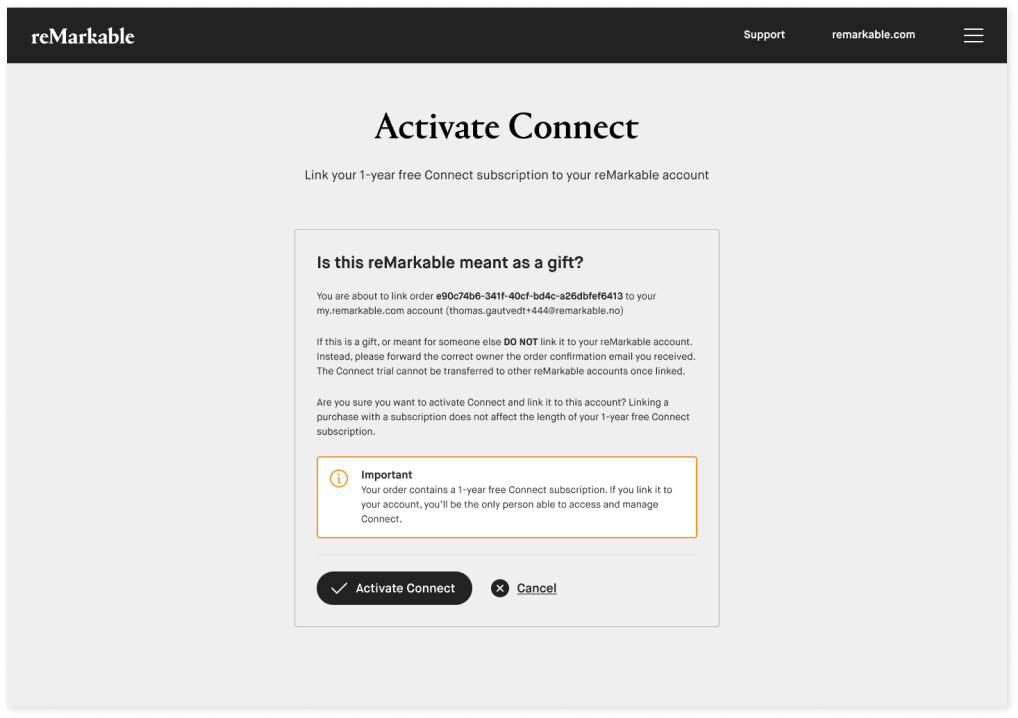
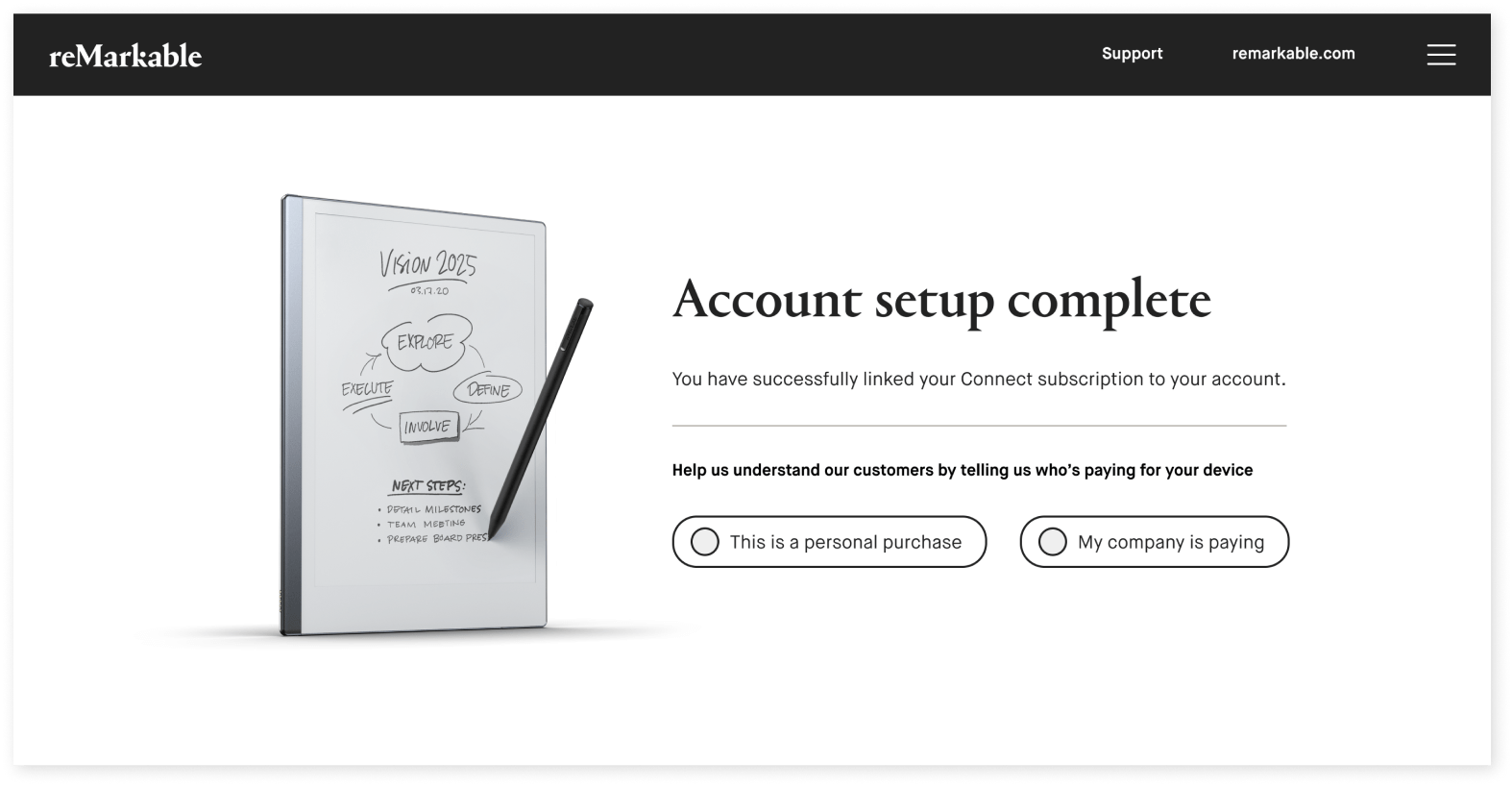
7. You should see this page when you’re done.
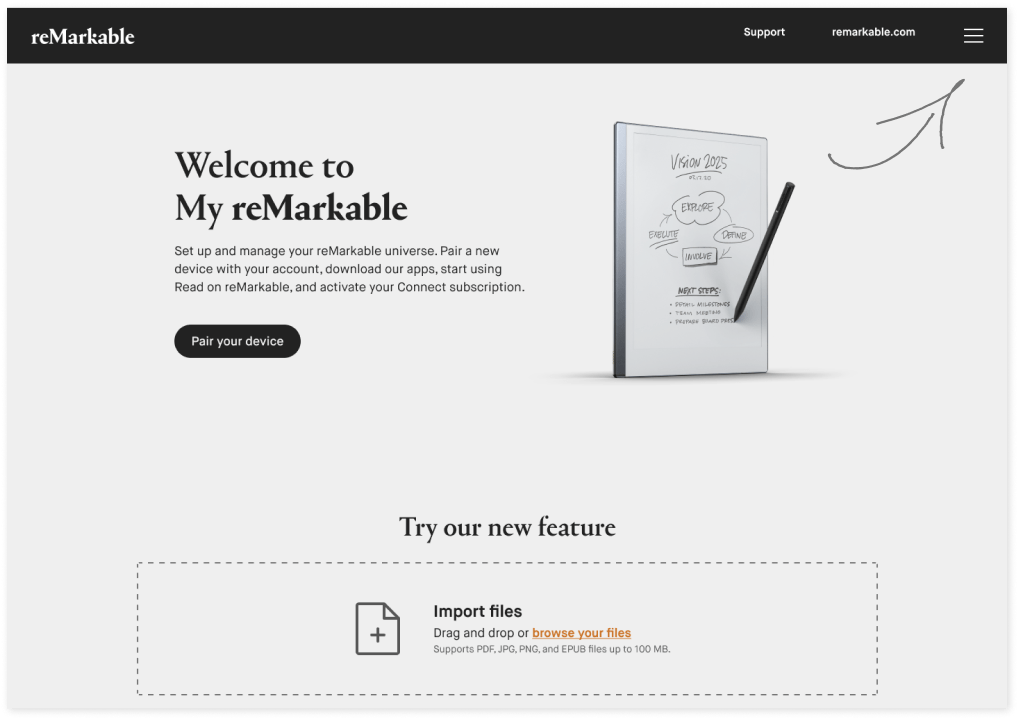
8. Once you're logged in at my.remarkable.com, you can view your subscription by clicking the menu in the top-right corner.
9. Click Manage Connect to view your subscription.
Important: Remember to sign in with the same account details you used when creating your account