Upload a folder
With Microsoft Edge or Google Chrome:
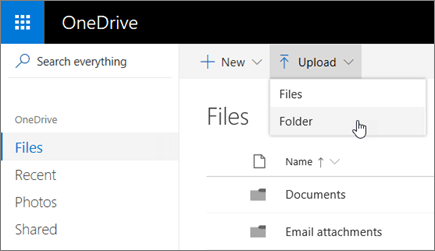
Select Upload > Folder.
Select the folder you want to upload.
Select Select Folder.
If you don't see Upload > Folder with your browser, create a folder, and then upload the files to that folder.
Create a folder
Select New > Folder.
Type a name for the folder.
Select Create.
